Bambu Lab P2S Filament Tension Fix: Plastic Debris in the Extruder Sensor
My new Bambu Lab P2S kept throwing filament tension errors. Four filament brands later, I found the real cause: plastic manufacturing debris jammed in the extruder sensor.
I recently picked up a Bambu Lab P2S, and within the first few days of printing I started hitting constant filament tension errors. If you’re getting the same issue, this might save you hours of troubleshooting.
The Problem
The printer would repeatedly throw errors about tension in the extruder and prompt me to pull the filament from the spool holder. Sometimes it would fail three or four times in a row, then mysteriously work fine for hours before failing again.
I went through all the usual suspects. I tested four different filament brands, including eSun, Sunlu, and CocoonCreate, thinking it might be a filament quality issue. I checked the spool holder for friction, verified the PTFE tube wasn’t kinked, and made sure the filament path was clear. Nothing helped.
The inconsistency was the most frustrating part. If it failed every time, at least you’d know something was definitively broken. But the intermittent nature made it feel like a ghost in the machine.
The Cause
After disassembling the extruder to inspect the filament path more closely, I found the culprit: small pieces of plastic manufacturing debris trapped between the sensor spring mechanism and the filament path.
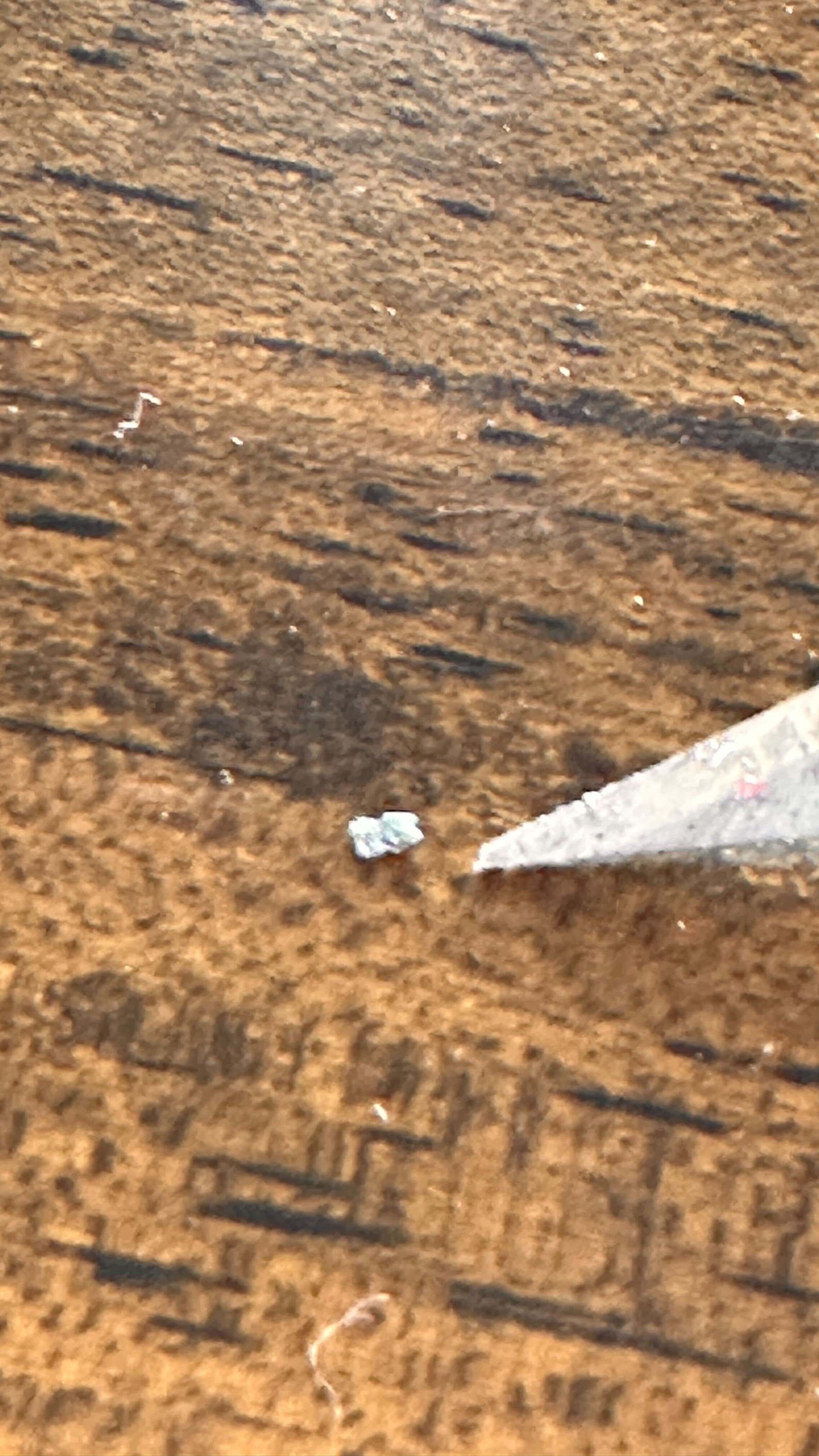
This wasn’t dust or fluff from filament. The bottom screw had been overtightened from the factory, punching through the inner plastic wall and leaving a burr of frayed plastic protruding into the filament path.
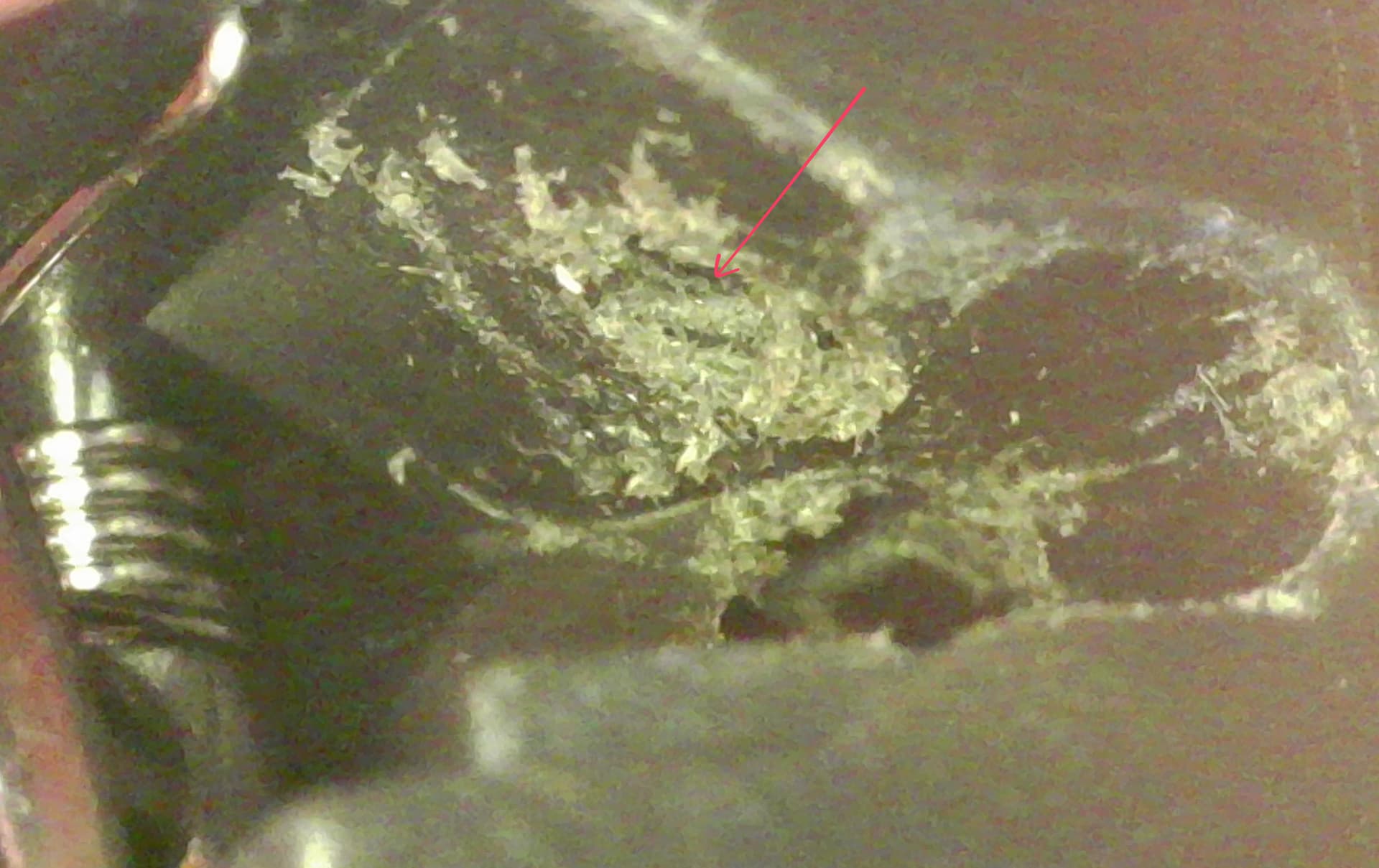
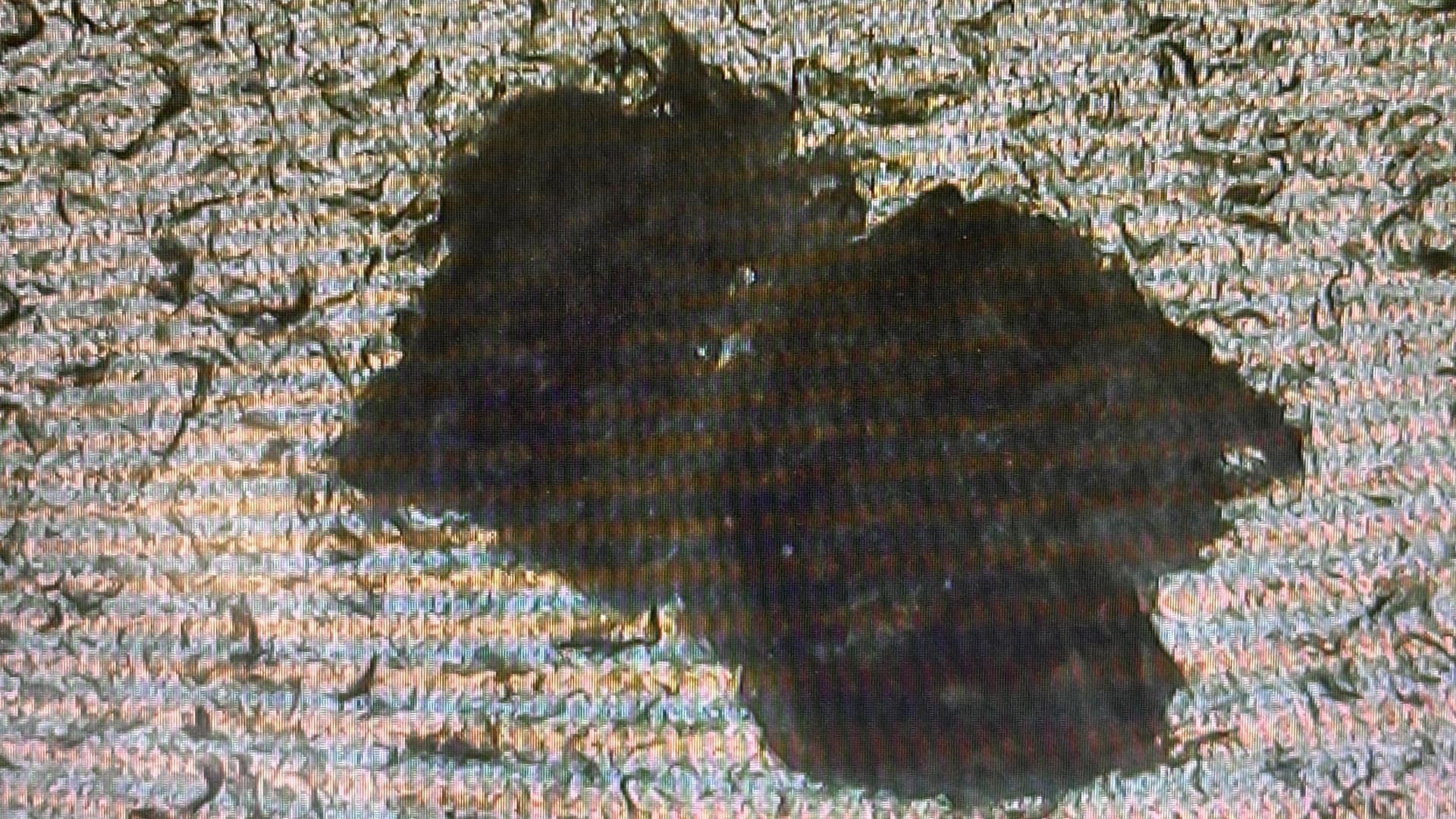
That burr was catching on the filament as it passed through, and small shards had broken off and lodged in the sensor mechanism.
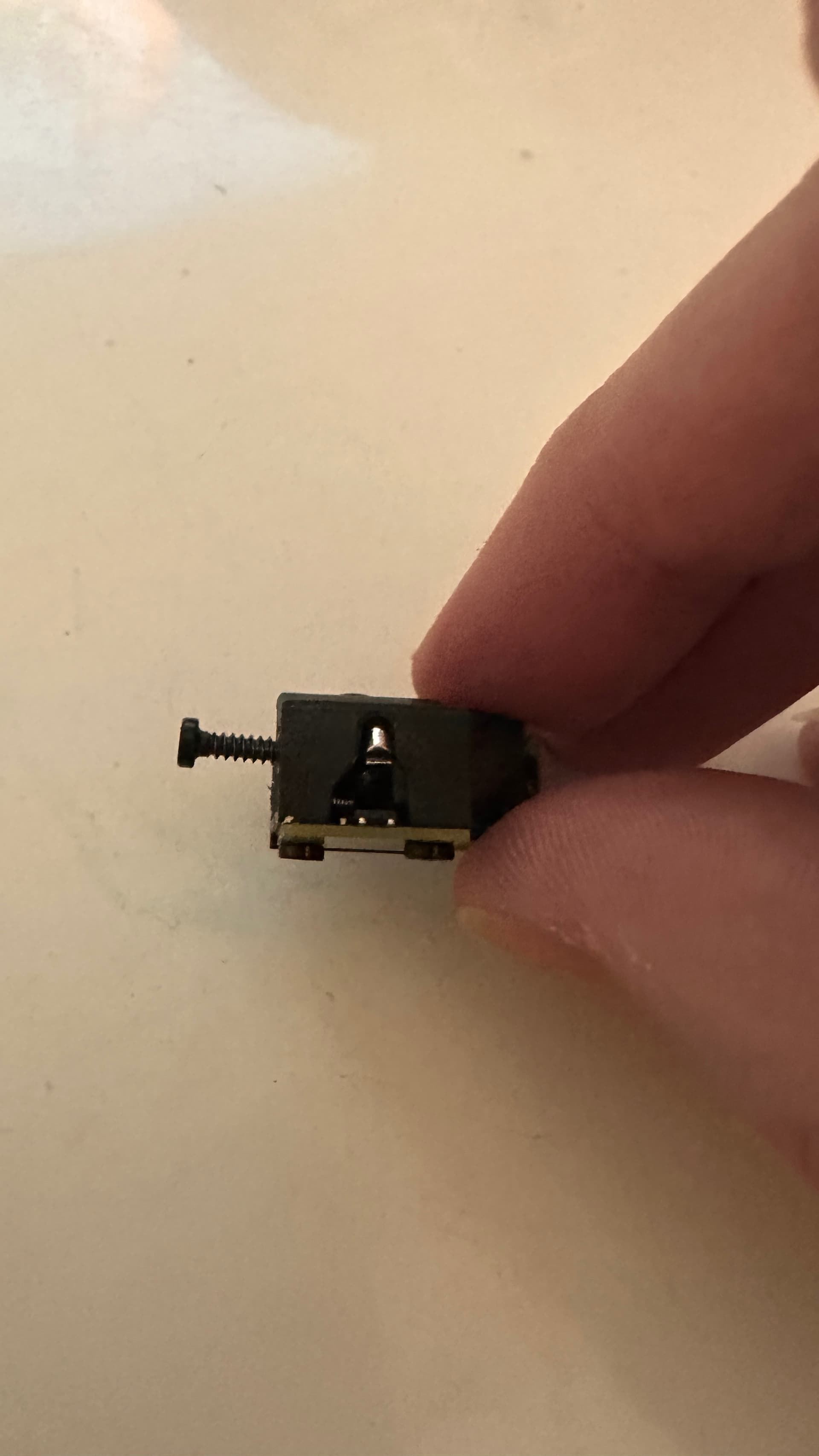
Here’s the sensor mechanism itself, with the mounting screw on the left:
The Fix
Here’s what I did to resolve it:
- Disassemble the extruder following Bambu Lab’s official guide to access the filament sensor area
- Inspect the sensor mechanism carefully, looking for any debris around the spring and sensor arm
- Remove the plastic debris using a small knife to carefully cut and scrape the pieces out. Be gentle, you don’t want to damage the sensor
- Adjust the bottom screw to roughly the halfway position rather than fully tight. This gives the sensor arm enough freedom to move properly
- Reassemble everything and run a test print
Result
After cleaning out the debris and adjusting the screw tension, all the filament tension errors stopped completely. Filament now loads successfully every time, and I haven’t had a single false tension error since.
Bambu Lab do sell replacement sensors, and to their credit they sent me one when I raised the issue. But if you’re experiencing intermittent filament tension errors on your P2S, especially on a relatively new machine, it’s worth inspecting for screw damage before swapping the whole sensor.
Useful Links
- Bambu Lab Community Forum where I originally posted about this issue
- Bambu Lab Wiki: Troubleshooting Filament Issues for the official troubleshooting guide